
Bringing an AI design to your tattoo artist: stencils, size and teamwork
Tattoo AI ·
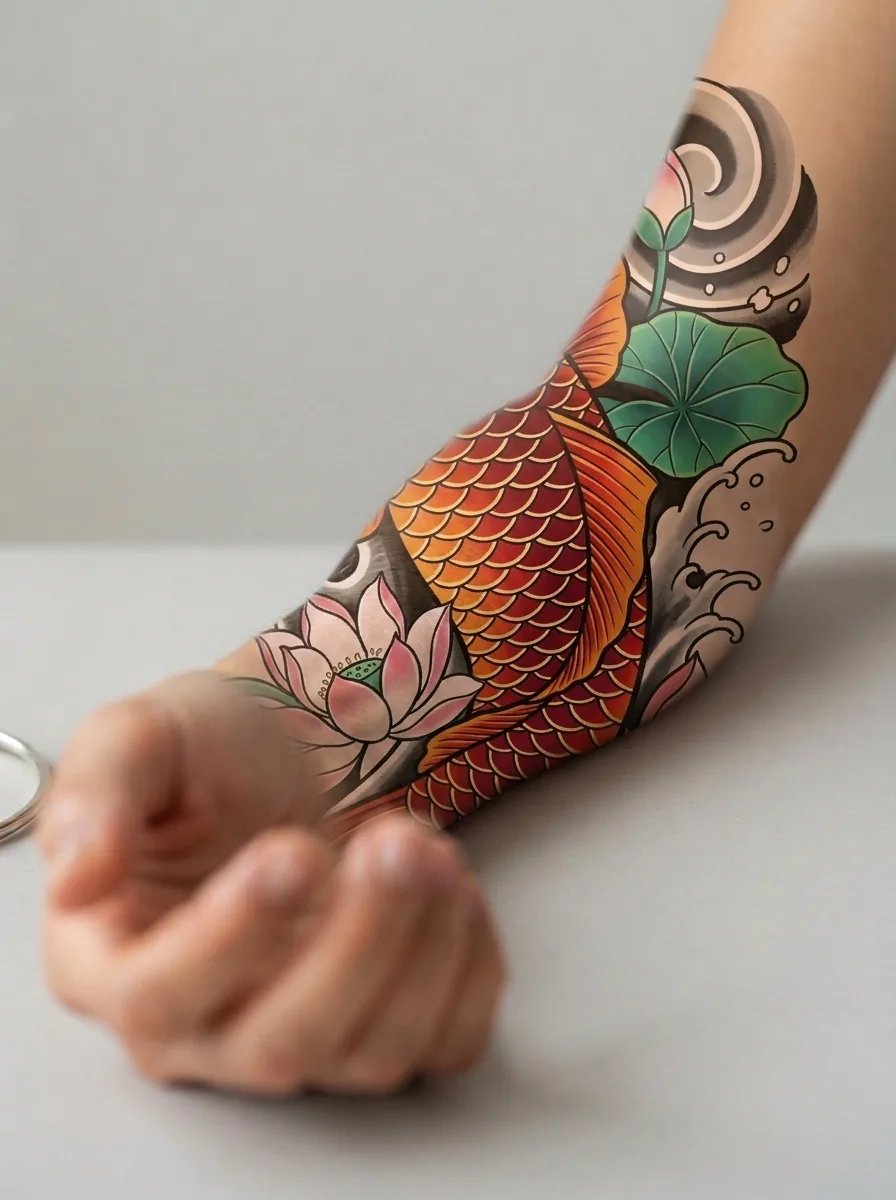
AI lets you express an idea faster and more clearly than ever. But skin is not paper, and your artist knows how a design will live on your body ten years from now. Treat the AI design as a detailed brief and the final piece as a collaboration.
What to bring
- Your top 2 or 3 options, with notes on what you like about each.
- The stencil (black linework) downloaded from Tattoo AI as a PNG your artist can print on transfer paper.
- An on-skin preview in the exact spot you want.
- The size you want in centimeters or inches, measured on your body.
- Any lettering typed exactly, with the font name if you chose one.
What your artist will usually adjust
- Simplify dense detail so the tattoo does not blur with age.
- Thicken or connect lines so the ink holds and the piece reads from a distance.
- Bend the composition to your muscles so it does not distort when you move.
- Adjust colors to suit your skin tone.
These are good changes. Ask why, and listen.
Studio etiquette
- Say upfront that the design was made with AI. Some artists only tattoo their own drawings, respect that.
- Do not ask for an exact copy of another artist work. Your AI design should be your own starting point.
- Design and redraw time is real work. Expect to pay for it.
Final check before the needle
Once the stencil is on your skin, look in the mirror, move around and read every letter. This is the easiest moment to change anything.
Rights to your design
Designs you create on Tattoo AI are yours to get tattooed. See the Terms of use for details.
Want to see your idea first? Create your tattoo with Tattoo AI, get a few options in under a minute, then bring your favorite to your artist.