
How to write prompts that get the tattoo design you want
Tattoo AI ·
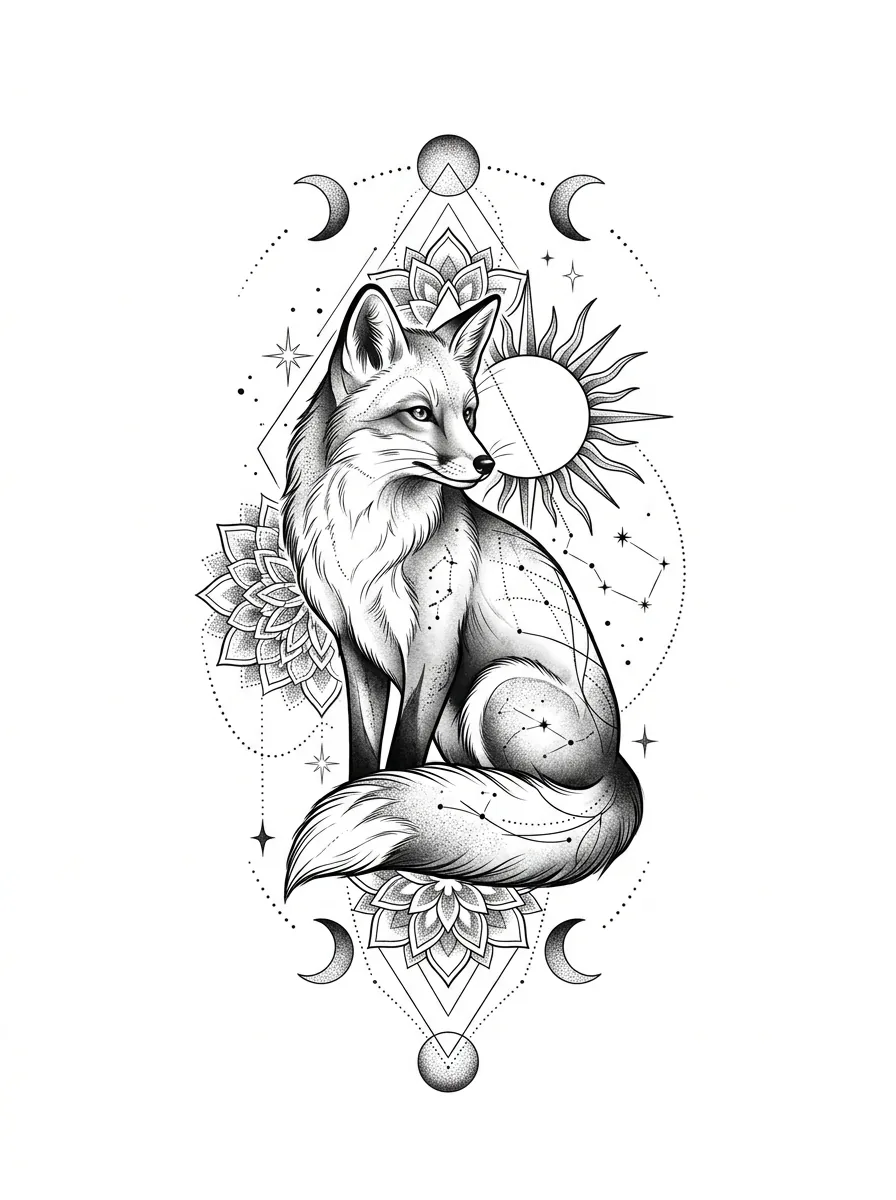
AI can only draw what you describe. A vague prompt like “cool wolf tattoo” gives generic results. A clear one gets you close to your idea on the first try.
The five-part formula
- Subject: the main thing. “A wolf”, “a koi and a lotus”, “a hand holding a compass”.
- Action or state: “howling”, “swimming upstream”, “sleeping”.
- Style: fine line, blackwork, Japanese, black and grey realism, traditional, watercolor. See 12 popular tattoo styles.
- Composition: “vertical for a forearm”, “circular”, “symmetrical”.
- Details: “crescent moon behind”, “a few falling petals”, “cloud background”.
Before and after
Before: cool wolf tattoo.
After: a wolf howling under a crescent moon, black and grey realism, vertical composition for a forearm, faded pine forest at the bottom.
Before: small flower.
After: a small lotus stem, fine line, no shading, lots of negative space, sized for a wrist.
Tips for better results
- One main idea at a time. Too many subjects make a busy, hard to tattoo design.
- Say the color: “black and white”, “black and grey” or “full color”.
- Type lettering separately. In Tattoo AI text is set with real fonts, so keep the words out of the image prompt.
- Generate several options, pick the closest, then refine from it instead of starting over.
- No idea yet? Open a design from the gallery and tweak the prompt to make it yours.
- Have a photo? Use Photo to tattoo to turn a pet or a memory into a design.
What the AI will not draw
Tattoo AI blocks copyrighted characters, logos and brands and inappropriate content. Instead of a famous cartoon mouse, describe your own character: “a little mouse in a straw hat, traditional style”.
Next step
Once you like a design, preview it on skin and download the stencil for your artist. Read on: Bringing an AI design to your tattoo artist.
Want to see your idea first? Create your tattoo with Tattoo AI, get a few options in under a minute, then bring your favorite to your artist.